Webflow Alternative for Online Course Creators
Webflow is a powerful visual website builder and CMS for teams that want design control, custom marketing sites, and flexible publishing. It is especially strong when the public website, brand system, and CMS structure are the main project.
Heights Platform is a Webflow alternative when the creator needs more than a marketing site: checkout, student accounts, course delivery, communities, memberships, coaching, certificates, and learner analytics. A beautiful Webflow site can sell the promise of a course, but students still need a place to learn after they buy.
Webflow gives design control. Heights gives education-business functionality. If your main challenge is visual design, Webflow may be strong. If your main challenge is building and operating a paid academy, Heights is the better fit.
Create the course platform behind your marketing site.
Webflow vs Heights Platform: quick comparison
Webflow is best understood as a public website and CMS platform. Heights is best understood as the platform where the paid learning product is sold, delivered, and improved.
| Feature | Heights Platform | Webflow |
|---|---|---|
| Monthly pricing | $19/mo annual | $0, $15, $25/mo annual |
| Annual pricing | $228/yr | $0, $180, $300/yr |
| Team plan | Plan-based | $2,500/mo annual |
| Custom domain | Basic+ | |
| CMS | Creator products/pages | Premium+ |
| Static pages | Creator pages | 2 free; 300 Basic |
| Course delivery | ||
| Membership learning | External/custom | |
| Checkout | Built-in | External/custom |
| Community | ||
| Certificates | ||
| Best fit | Online academies | Custom websites |
*Pricing updated as of July 2026
Where Webflow genuinely wins
Webflow wins when a custom public website is the priority. It gives designers more control over layout, CMS content, animations, interactions, and brand presentation than many creator platforms. If a company has design resources and needs a highly customized marketing site, Webflow can be a strong choice.
Webflow can also remain useful for public SEO pages, portfolios, case studies, and brand storytelling while Heights hosts the paid academy. That is a reasonable split when the marketing site is already established and performing well.
It is also useful for teams that want a design system and content model that a course platform should not be expected to replicate. If your site is a complex marketing property, Webflow may be the right front end.
Why Webflow alone is not enough for courses
A course business needs a student dashboard, checkout, product access, course structure, lesson progress, downloads, community, certificates, and often coaching or membership features. Webflow can present the course beautifully, but those paid-product workflows typically require integrations, memberships, custom code, or separate platforms.
That creates operational risk. Custom membership stacks can become fragile. A change in one integration can affect checkout, access, emails, or the student login flow. As the product catalog grows, the creator may spend more time maintaining the stack than improving the curriculum.
Students also feel the fragmentation. If they buy on a Webflow page, log into a different course tool, ask questions in another community, and receive downloads in a separate folder, the experience can feel less professional than the marketing page promised.
Why Heights is better for courses
Heights gives creators the student dashboard, lessons, progress, certificates, checkout, community, and product access without building those pieces manually. Students get a coherent course experience instead of being passed from a Webflow page to multiple third-party tools.
This matters operationally. Heights reduces the need to maintain integrations and lets creators focus on content, community, and student results. The course can expand into bundles, memberships, coaching, and digital products without rebuilding the stack.
For many creators, the best approach is to let the public site and the paid academy have clear roles. Webflow can handle advanced public marketing if needed. Heights should handle the paid education product.
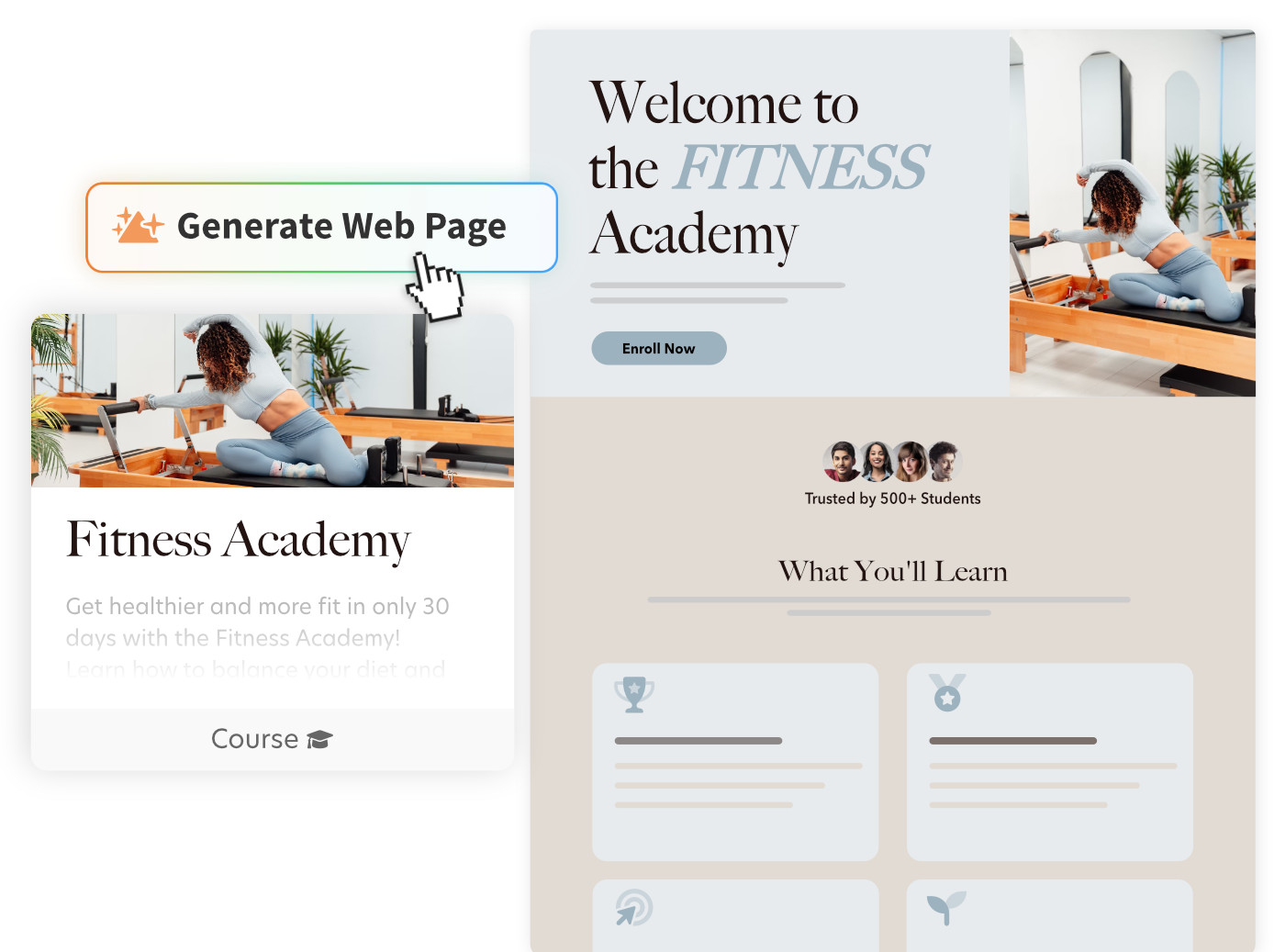
Webflow vs Heights: Key Summary
Choose Heights if:
Your website needs to become a paid academy with checkout, lessons, protected access, community, certificates, and student progress.
Heights Platform overview
Heights connects creator pages with courses, products, bundles, subscriptions, coaching resources, community, and student analytics.
Choose Webflow if:
Your priority is custom site design, CMS structure, public SEO content, brand systems, and a marketing website maintained separately from the academy.
Webflow overview
Webflow is a strong visual website builder and CMS for custom public sites, responsive layouts, CMS publishing, forms, and enterprise web teams.
Webflow vs Heights: Decision Guide
Choose Webflow for custom marketing sites
If your priority is a highly designed public site, CMS, portfolio, or brand experience, Webflow may be the right tool.
Choose Heights for paid course delivery
If your visitors become students, Heights provides the product access, lessons, resources, progress, and community they need.
Choose Heights for course memberships
Memberships need subscriptions, gated products, recurring value, and community. Heights is built for that workflow.
Use both when the public site already works
Keep Webflow pages that rank or convert well, then link to Heights for the paid academy.
Choose Heights if your site mainly sells courses
If nearly every page exists to sell courses, consolidating more of the funnel in Heights can reduce complexity.
Pricing and total stack
Webflow's current site plans include a Free Starter plan, Basic at $15/month billed yearly, Premium at $25/month billed yearly, plus higher Team and Enterprise platform plans. That covers the site and CMS, but a course business may also require membership tools, checkout, LMS software, community, email onboarding, video hosting, certificates, and analytics. Heights is the course business platform. The cheapest site plan is not necessarily the cheapest way to run a paid academy.
Creators should compare the total stack required to deliver the customer promise. If Webflow is only the public marketing layer, it may be a good investment. If it becomes the center of a custom course stack, the hidden complexity can grow quickly.
Where Webflow should stop and Heights should start
Use Webflow when the primary work is design systems, CMS collections, custom layouts, brand storytelling, or a public website that needs deep visual control. It is a strong marketing layer.
Use Heights when someone has paid and now needs a clear course dashboard. Checkout, protected access, modules, video lessons, downloads, progress, certificates, community, and support should be connected to the student account, not scattered across a custom site stack.
Switching plan from Webflow to Heights
Keep Webflow for public pages that already perform well. Move the paid academy into Heights by creating product pages, checkout, course modules, downloads, and community. Link from Webflow to Heights for flagship offers. If your Webflow site mostly exists to sell courses, consider moving more of the funnel into Heights over time.
FAQs: Webflow alternatives for courses
Can Heights replace Webflow?
For many course creators, yes. Design-heavy brands may use both.
Can Heights use custom domains?
Yes. Heights supports branded creator platforms.
Does Heights include a CMS like Webflow?
Heights is not primarily a design CMS. It is a creator platform with pages, products, and learning delivery.
Which is better for memberships?
Heights is better when the membership includes courses, community, coaching, resources, or learning progress.
Why trust Heights Platform?
Built by creators, informed by 10,000+ creator businesses
Since 2019, Heights Platform has helped more than 10,000 creators in over 100 countries build and grow online knowledge businesses with courses, communities, coaching, and digital products. We are a small, creator-led team that takes pride in giving creators thoughtful, personal service, not simply access to software.
Our team can work directly with you to help build your program in Heights, drawing on what we have learned from helping thousands of creators launch and improve their offers.
We design for both sides of an education business: helping creators grow while giving their students and members a clearer path to apply what they learn and achieve meaningful results.
We run our own courses and community at Creator Climb, where more than 10,000 members learn alongside other creators.
Our experience also extends beyond the platform. On The Creator's Adventure, Heights founder Bryan McAnulty has interviewed nearly 200 creators, educators, and entrepreneurs from around the world, bringing those practical lessons back into how we build Heights and support creator businesses.