
Best Webinar Tools for Online Course Creators
8 minute readWebinars and live streams are a great way for creators to keep an audience engaged and build a stronger relationship with followers and customers.
Especially for online course creators, offering an additional live interaction for students can increase course completion rate, engagement scores, and overall satisfaction among paying customers.
But if you've ever tried hosting a live event, you know that most webinar platforms are expensive, and sometimes impose strong limits on usage and basic features.
In our business, we were in this same position many times. We wanted to run a live stream to connect with our customers, and we needed a strong, secure platform that could support our event without technical hassles, while also being simple and intuitive to use for our attendees.
Over the years, we've tried many different tools out there, and while we found some platforms that performed very well, there was always something that made us stop paying for that particular platform. Some of these tools charge a very expensive monthly subscription, which was not worth paying just to host a few live events.
Other platforms had hard limits on the number of attendees or the live session duration, while some seemed to have everything we needed, but they looked somewhat unprofessional as they didn't let us upload our logo and brand style.
After years of trying and testing many different webinar tools, we came to a conclusion: we cannot be the only ones struggling with this!
If we, an established company, could not find a viable solution, then individual creators must have a hard time finding the right webinar platform, too.
So we decided to build it ourselves. Instead of a standalone webinar platform, we added live streaming and meeting rooms to Heights Platform, our existing online course and community-building software.
This way, our creators are not forced to pay an extra (and very pricey) monthly fee to go live; everything is included in their own plan, at no extra cost!
And since webinars are just another feature inside Heights, and not a standalone software, what's great is that creators can offer live streams under their own brand!
Imagine that your audience or customers join a live event you are hosting, and instead of needing their own Zoom account (or whatever platform you use) - they join easily via a link under your own domain, and when they are in, they see your logo, your branding, and your name - 100% whitelabel!
In today's blog post, we'll share everything we've seen over years of trying webinar software, and our honest opinion on the best solution for online course creators who want to offer webinars, live events and streams inside their online courses.
#1: Heights Platform
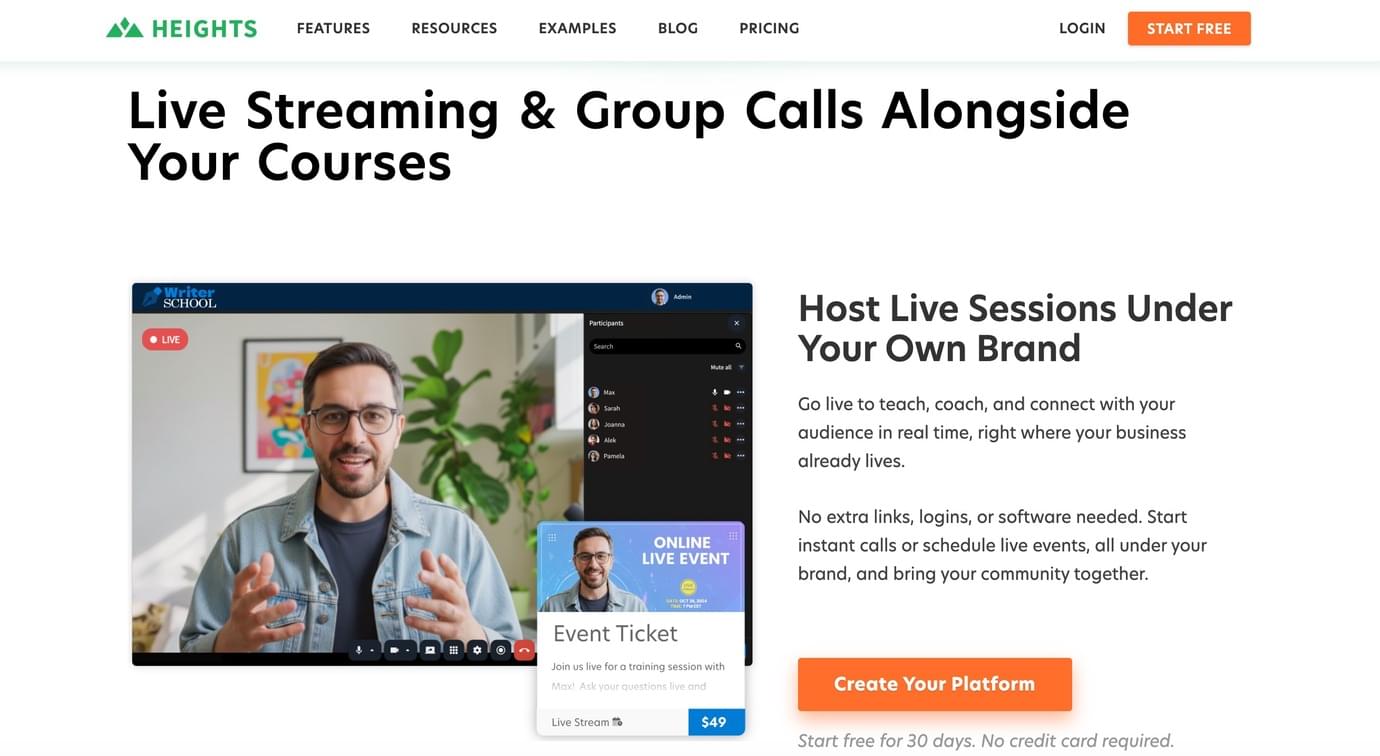
As we mentioned earlier, Heights Platform is the all-in-one online course and community-building software.
While Heights is not a webinar platform per se, their webinar and group meeting feature is a great choice for creators. Why?
First of all, forget paying an expensive monthly subscription just to run one or two webinars. The ability to run live events inside Heights Platform is included in your plan, so you don't have to pay multiple subscriptions!
Everything you need to run and grow an online business is included in one subscription with Heights Platform: your online courses, memberships, community, digital products, your website, emails and - of course - webinars and group calls.
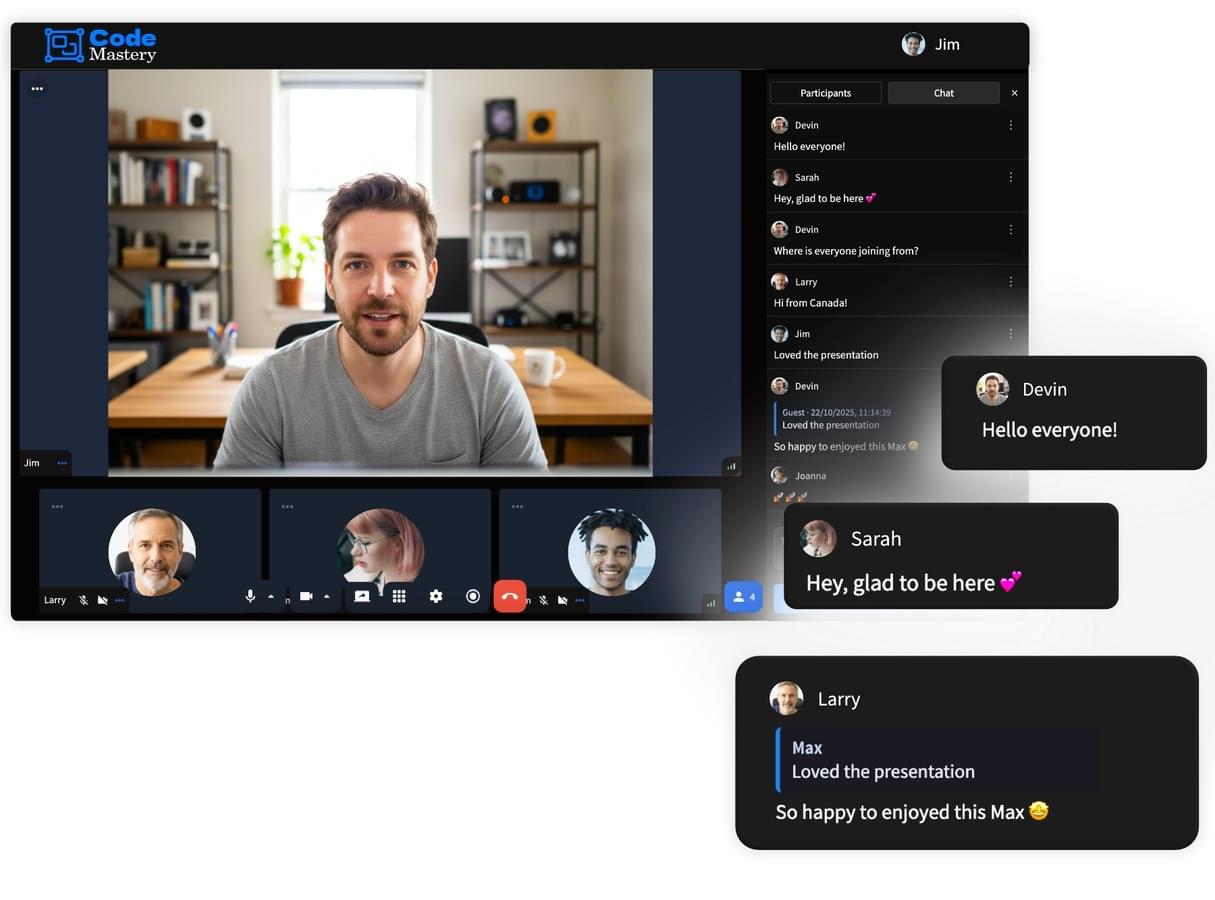
Secondly, if you run live events inside Heights Platform, the streams happen inside your own branded program, your business ecosystem, where you are already selling your courses and products. That means your customers or fans only need one login and one link to access everything you offer.
They join a branded, professional space where they can connect with you and purchase your offerings very easily (compared to handling multiple platforms and communicating complex log-ins with your audience, which is not professional and might impact your conversion rates!).
And another reason why webinars in Heights Platform are a great choice for creators is that Heights Platform doesn't force hard limits on the number of calls, attendees or call duration.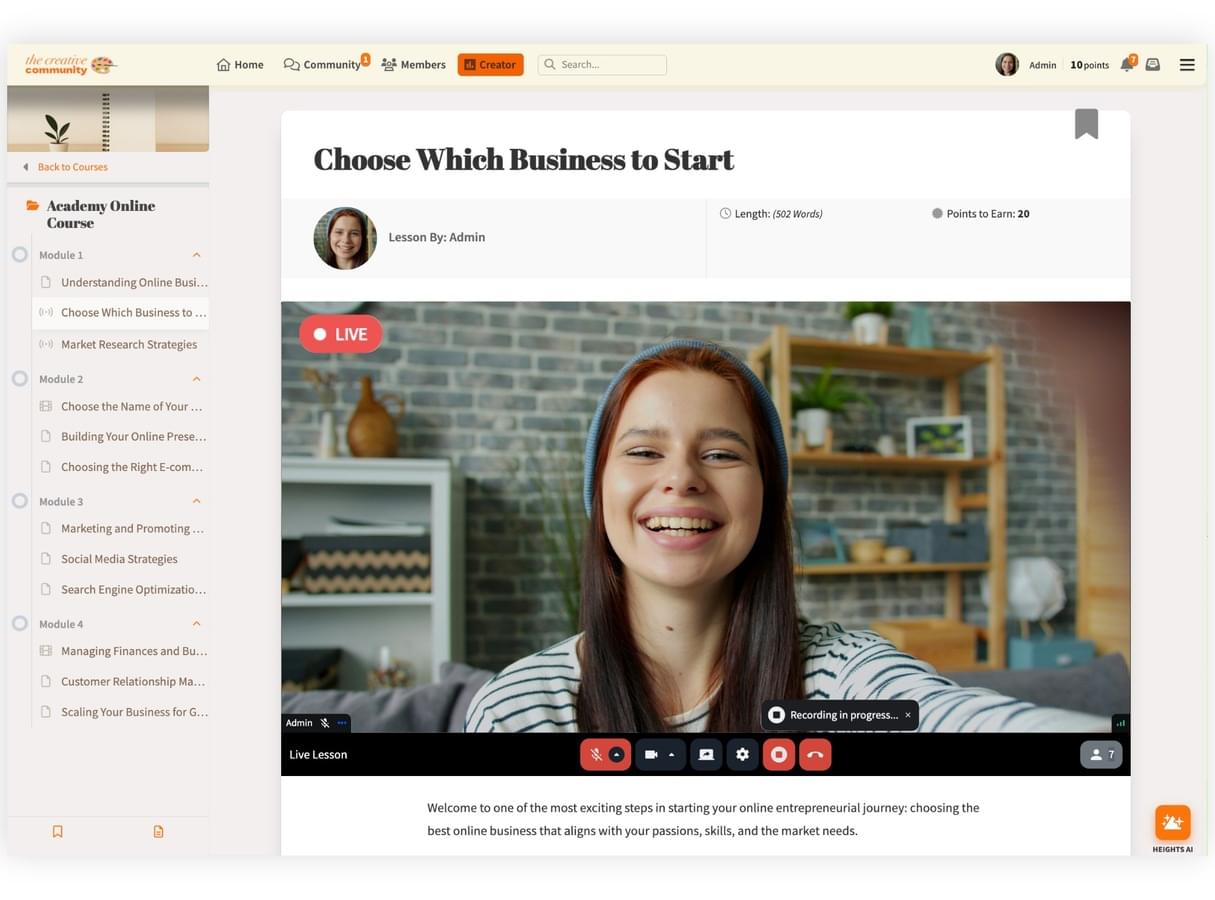
Other than webinars, one feature course creators love is Live Lessons. You can teach in real time inside a lesson, and when the session ends, the recording automatically becomes the lesson video, so students who missed it can replay it later anytime. That’s a clean way to turn a one-time live session into an evergreen course asset.
Heights also supports Community Streams and Meeting Rooms so you can run Q&As, masterminds, and discussions right inside a community channel, where members already hang out. And if your business model includes paid workshops, premium coaching, or “ticketed” trainings, you can also create live sessions inside Digital Products, so access can be sold (or included) like any other product.
You also get flexibility in how the session runs. Heights lets you choose between:
- Meeting Rooms (interactive: participants can join with camera/mic if you allow it, and you can require approval before they enter)
- Live Streams (presentation-style: you and co-hosts are on camera, and the audience engages through chat)
That matters because “webinar” can mean very different things depending on your offer. Heights gives you both formats so you can match the experience to the outcome you want.
Start Free Today#2: Demio
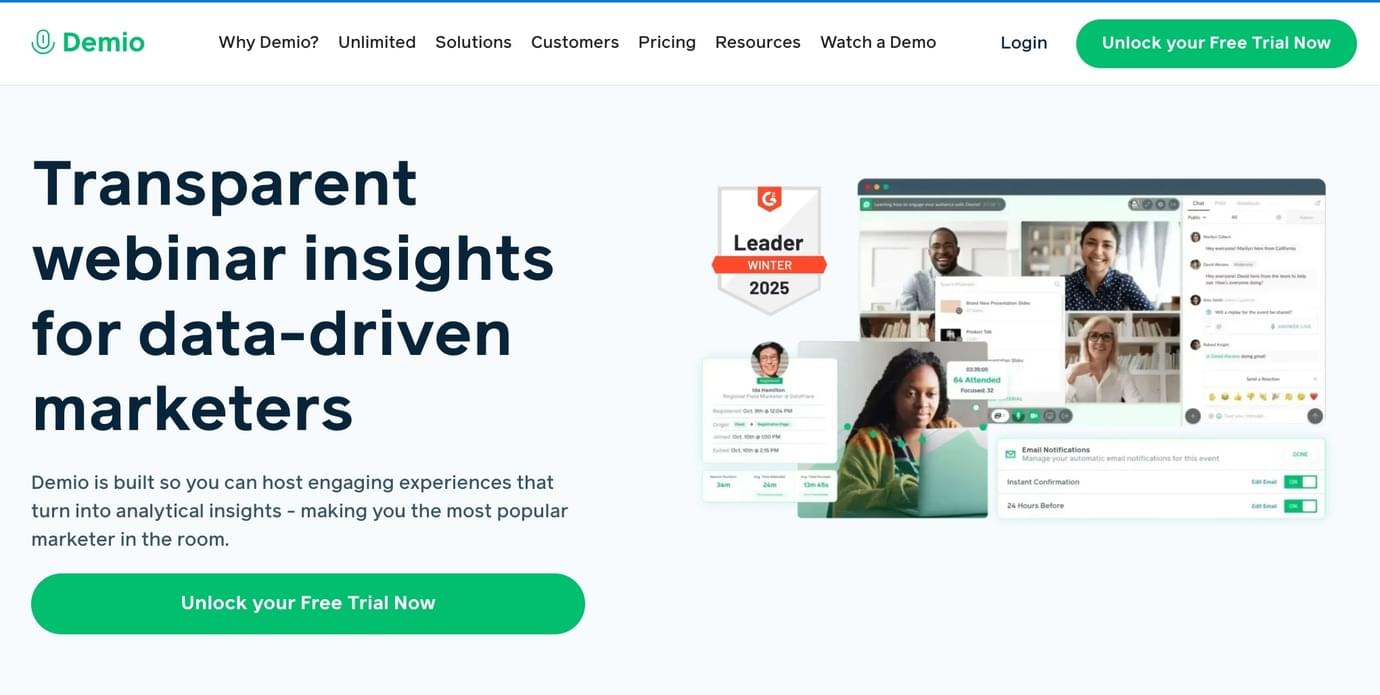
Before we created our own webinar and live calls feature inside Heights, Demio was our platform of choice.
The biggest advantage of Demio is the no-download webinar experience. Attendees join from the browser, which removes friction (and reduces the number of “I can’t get in” messages right before you go live).
A very real trade-off for creators is cost scaling. For example, Demio’s Starter plan is listed at $63/month for a single host (paid monthly). As you grow your audience and want more room capacity (and more host flexibility), your monthly cost grows with it.
Demio’s price increases based on how many people you want to allow into each webinar and how many team members need permission to run webinars, so as your audience or team grows, your monthly cost grows as well.
#3: Zoom Webinars
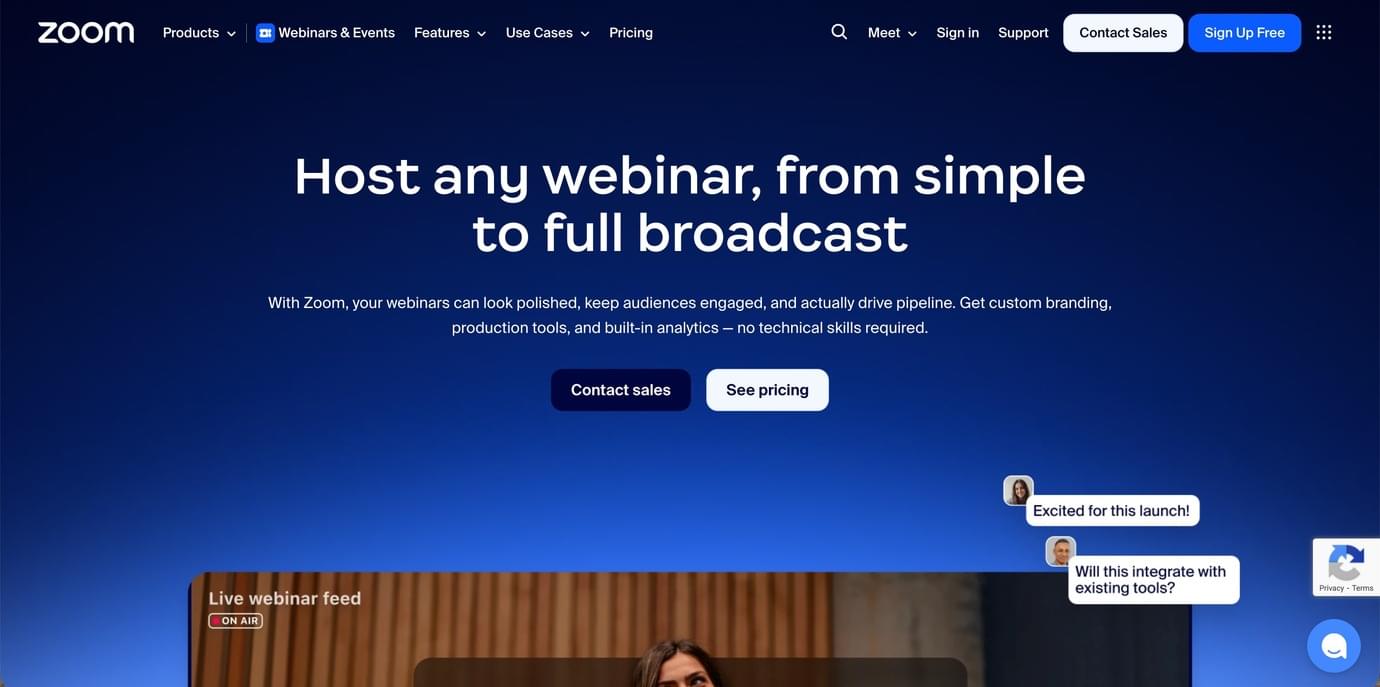
Everyone knows Zoom for running group calls and meetings, but they also offer webinar features for an extra fee. We've used Zoom webinars a few times and here is our honest review.
The best thing about Zoom webinars, in our opinion, is that the platform is very well known by almost anyone with a laptop, so it is very easy for attendees to join an event, as most likely they already have a Zoom account and the app installed on their laptop.
Functionally, Zoom Webinars are designed as a broadcast experience: depending on your license capacity, you can run webinars starting at 500 attendees and scaling up.
Hosts and panelists can share screen/video/audio, and attendees engage through features like chat and Q&A.
Another potential drawback for creators using Zoom Webinars is branding. While some customization is allowed, you’re still operating inside the Zoom ecosystem rather than inside your branded program (like in the case of using Heights Platform).
#4: Livestorm
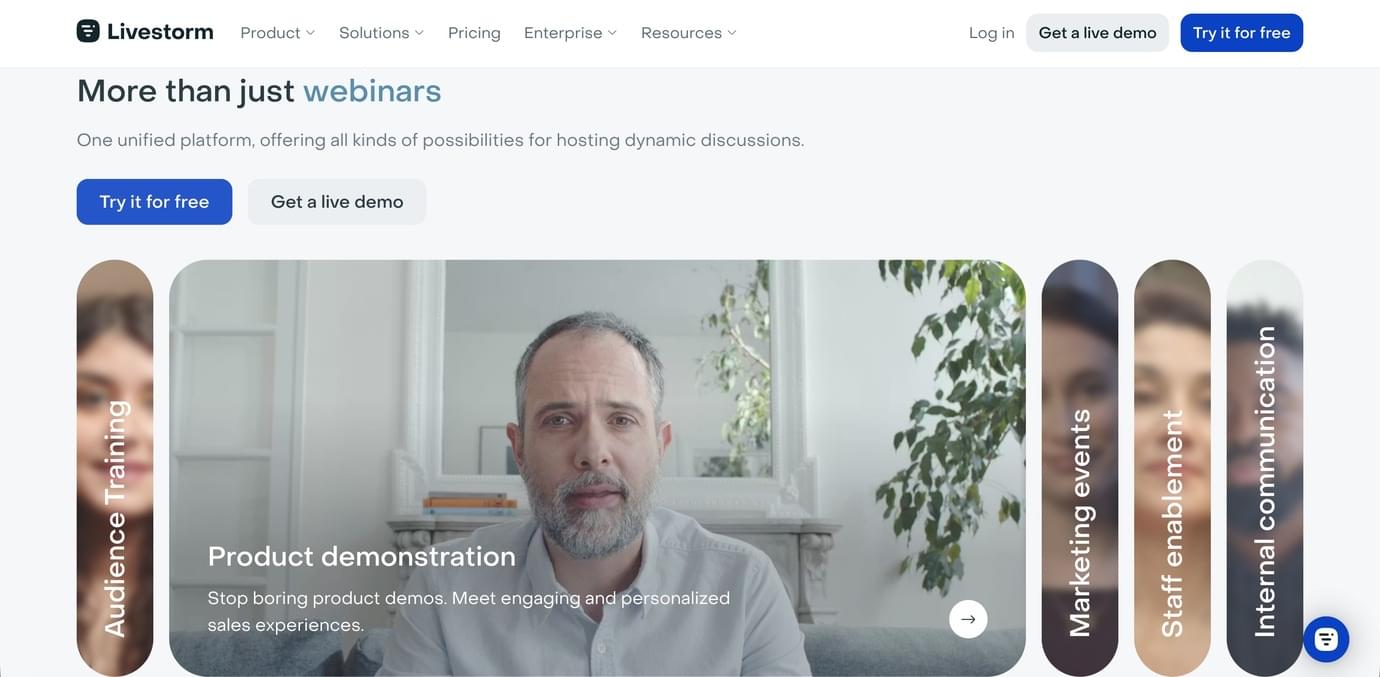
Livestorm is a webinar platform that runs entirely in the browser. Your attendees do not need to download software. They simply click a link and join from Chrome, Safari, or another browser.
One important detail on Livestorm’s pricing page is how they charge. Instead of charging only by “room size,” Livestorm uses an attendee-based model. You pay for attendee credits, and you only use credits when people actually attend your event. This can make sense if you run webinars regularly but do not always fill every seat.
The main con for Livestorm is that their pricing model can get expensive faster than creators expect, because credits are used when someone actually attends — including when they watch the replay or on-demand version. So if you run one webinar and 200 people attend live, then another 200 watch the replay later, that can consume a lot of credits across your events over time.
Also, unused attendee credits don’t roll over to the next billing period. If you buy credits and don’t use them, you still lose them when the period resets.
This platform is designed specifically for webinars. It includes registration pages, automated emails, and replay hosting inside the system.
Livestorm is a good option for creators who run webinars often and want a browser-based system where attendees do not have to install anything. It is still a separate platform, which means your students will access it outside of your course area.
#5: WebinarGeek
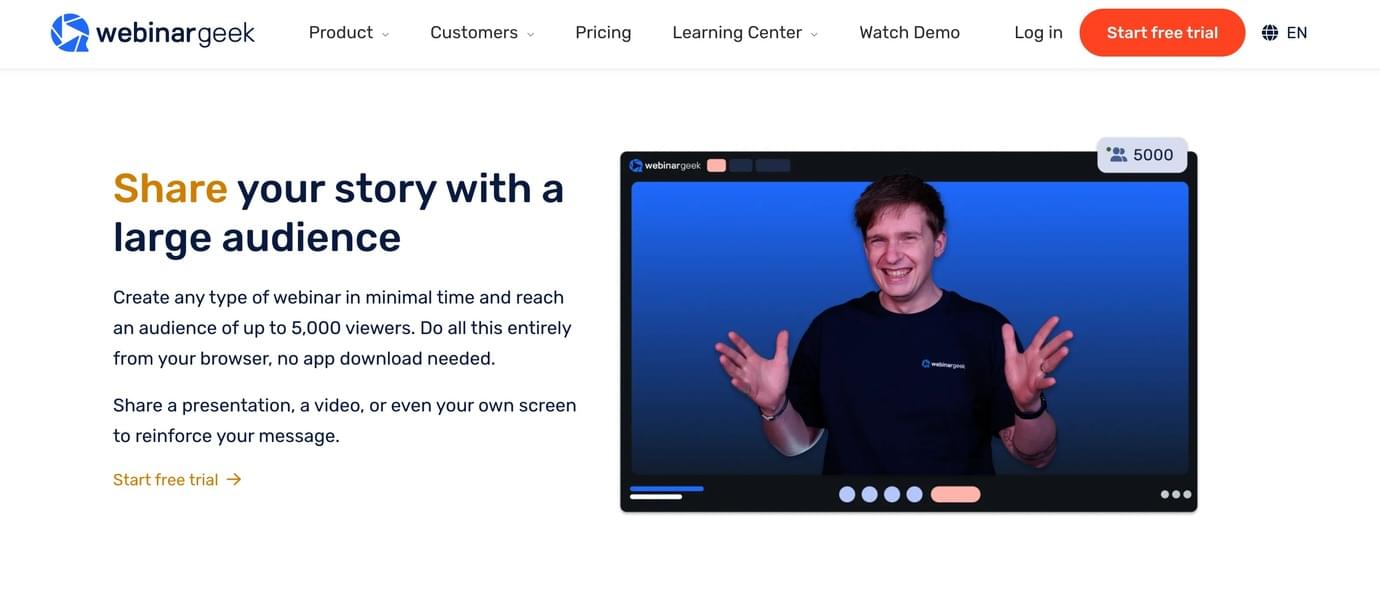
WebinarGeek focuses entirely on webinars and offers several different formats.
They support live webinars, automated webinars, just-in-time webinars, and on-demand webinars. They also offer paid webinars, meaning you can sell access to an event directly through the platform.
Overall, WebinarGreek is a strong platform to host a webinar, but its biggest downside is pricing. For a full set of features, creators would most likely need their premium plan, which is currently priced at $99/month. And since the platform focuses solely on webinars, it can get pretty expensive for creators who need to pay for other tools to host their business and products.
#6: GoTo Webinar
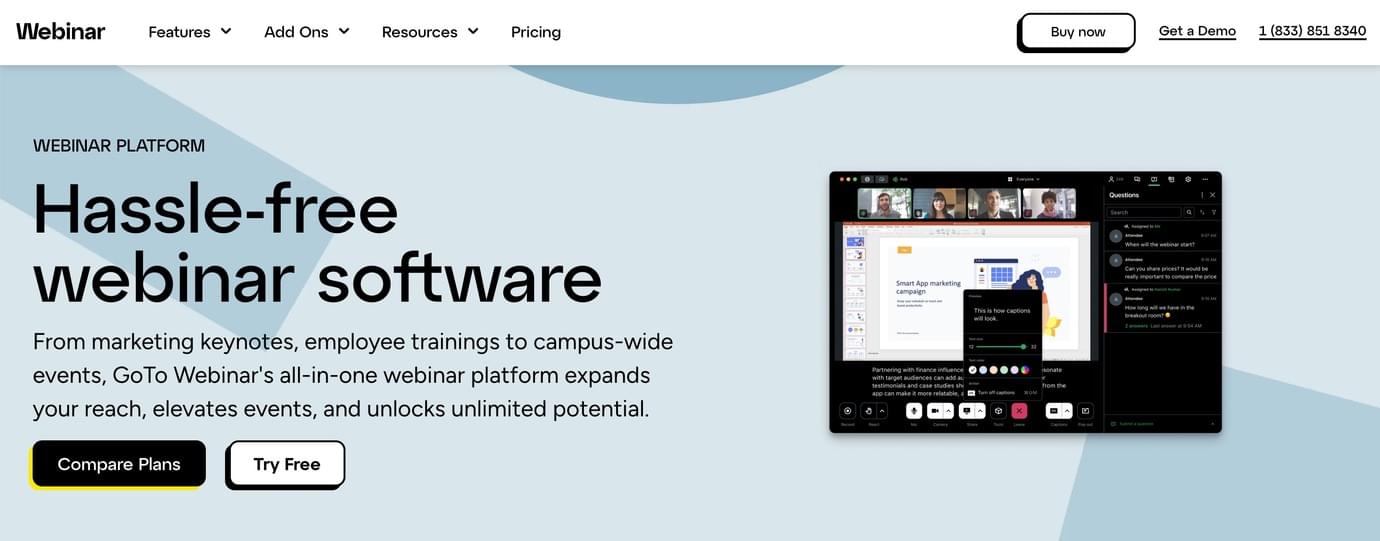
GoTo Webinar is one of the older webinar platforms and has been widely used in business and corporate environments.
On their pricing page, plans are structured by participant limits and the number of organizers.
GoTo Webinar includes automated emails as part of its plans, which helps with confirmations and reminders (this feature is also available in Heights Platform!)
This platform is built specifically for webinars rather than interactive group meetings. It is a separate system from your course platform, so students attend the webinar in GoTo’s environment rather than inside your own course area.
#7: YouTube Live Stream
As you know, YouTube is not a webinar platform, but we wanted to include it on this list as many creators still find it a favorable option if they're on a budget.
YouTube Live is completely free to use, which makes it attractive for creators who want to host live sessions without paying for webinar software.
However, there are certain workarounds you need to do to use YouTube to host live streams.
When you go live on YouTube, your event takes place on YouTube’s platform. Viewers can watch publicly, through an unlisted link, or (if you meet eligibility requirements) through a private stream. If you want to sell access to the stream, you need another platform to handle the transaction.
YouTube Live works well for free workshops, public lessons, and audience-building events. It is less suitable if you want the live experience to feel like part of a paid course or private member area, since viewers are watching on YouTube rather than inside your program, and anyone will be able to see/find your live video.
Host Webinars Inside Your Online Course With Heights Platform
There is no shortage of webinar tools out there. Some are built purely for webinars and give you registration pages, automated emails, and replay hosting. Others are designed for large broadcast-style events. Some are free and simple, but require extra steps if you want to sell access or create a private experience.
But most tools are standalone webinar platforms. That means another subscription, another login, another system to manage, and another place where your students need to go.
If you are an online course creator, webinars are not your business. Your business is your course, your community, and your products. Live sessions are simply one part of that experience.
That is why Heights Platform is such a great choice for creators who want to host live events and group calls.
Your courses, memberships, community, website, emails, digital products, and live sessions all live in one place. Your customers log in once and access everything under your domain.
Your branding is consistent across the entire experience. And you do not need to pay for a separate webinar subscription just to host a few live events each month.
You can run interactive Meeting Rooms, presentation-style Live Streams, Live Lessons that automatically turn into course content, and even paid live webinars, all inside the same system you already use to run your business.
If you’d like to see how live streaming works inside Heights Platform, start a free trial and test it yourself. Set up a live event, invite a few members, and experience what it feels like to host everything under your own brand.
Start Free Today

