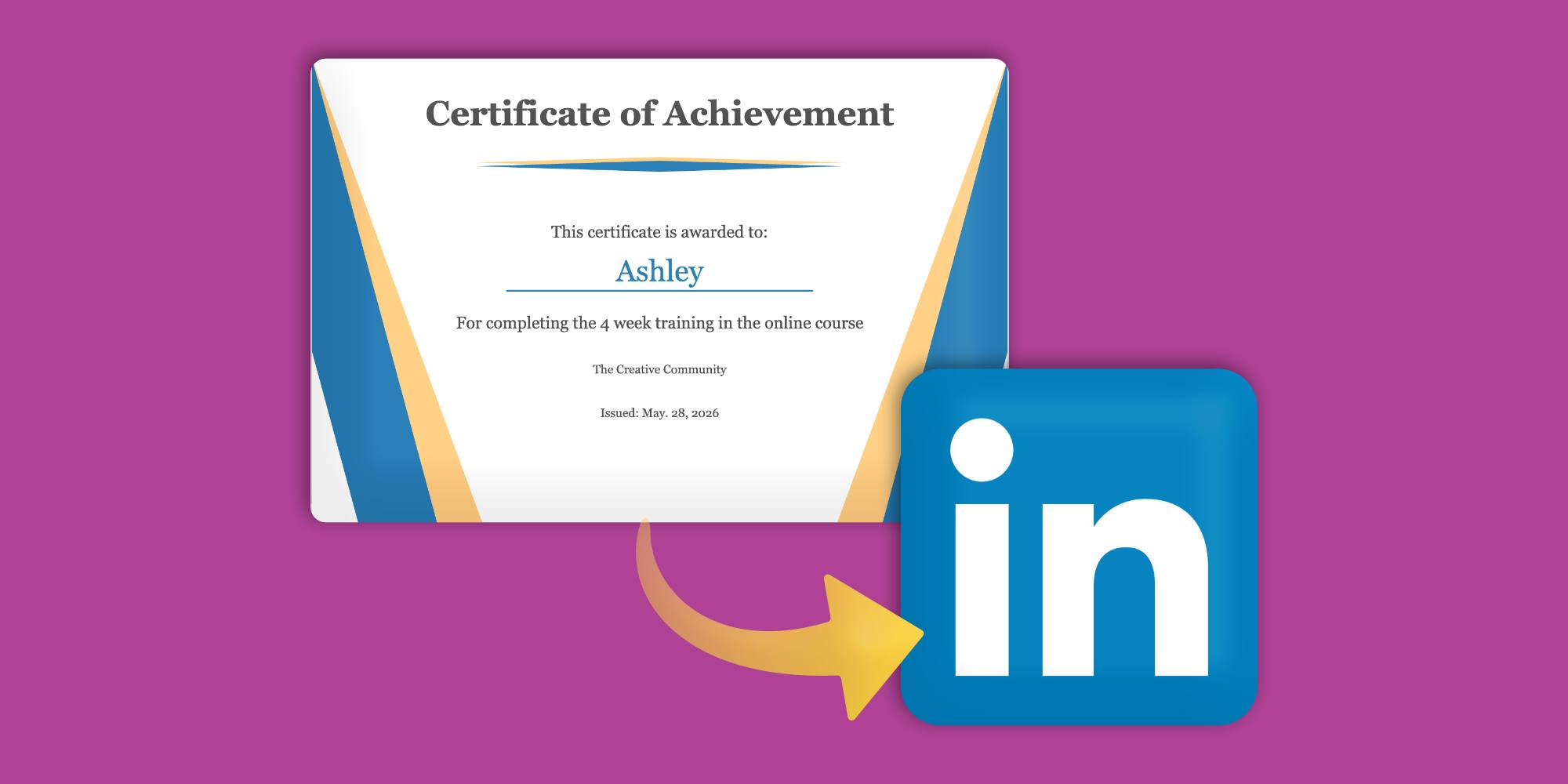
How to Make Online Course Certificates Shareable on LinkedIn
4 minute readOnline course certificates give your students a clear way to show what they have completed. Instead of finishing your course and moving on quietly, they get something they can download, print, verify, and share.
For course creators, this is important because a certificate can make your course feel more professional and complete.
It gives students a goal to work toward, adds perceived value to your program, and creates a shareable achievement that can introduce your course to more people.
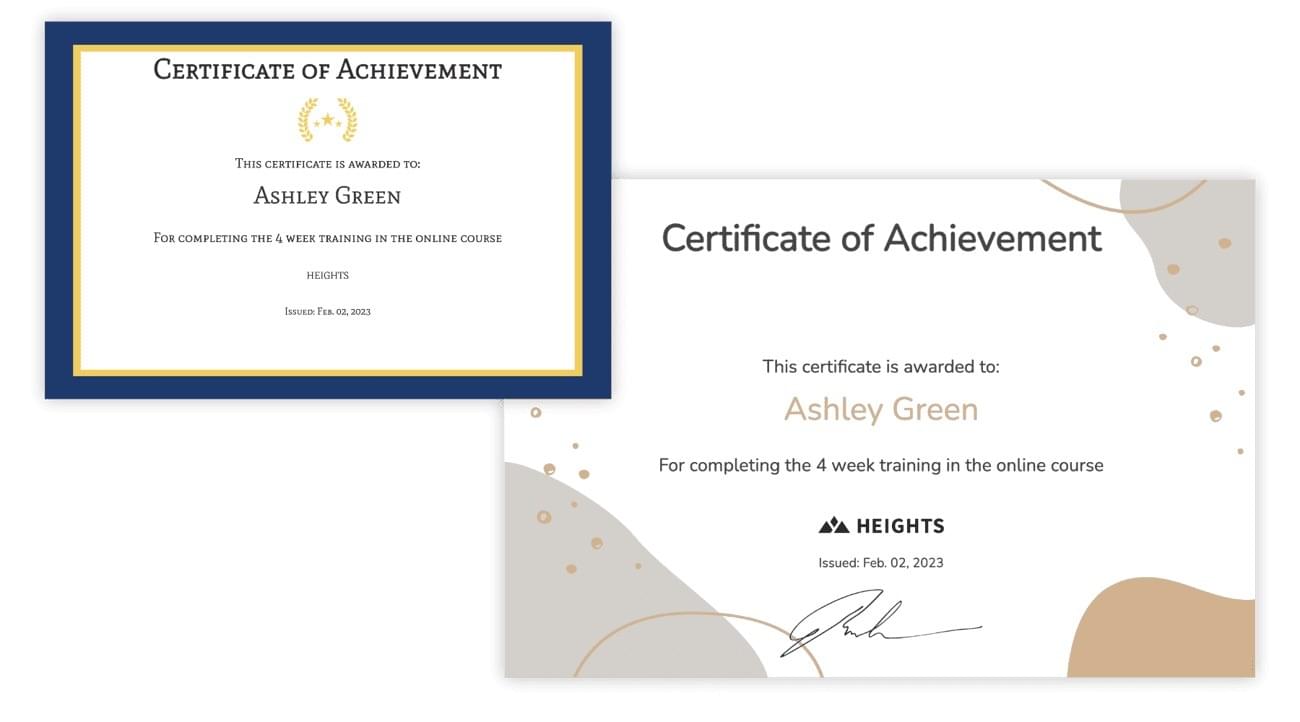
Online course completion certificates are also a great way to reward students, increase completion rates, and add value to your program.
When students share their certificates on LinkedIn, your course gets more visibility. Their network can see the achievement, the course name, and the issuing organization.
This can create more organic awareness for your business while helping your students present their progress in a professional way.
In this article, we’ll show you how to create an online course certificate in Heights Platform, how to automate certificate delivery, and how students can add their certificate to their LinkedIn profile.
How to Create a Course Completion Certificate in Heights Platform
Heights Platform includes a built-in certificate designer on all plans. Certificates can be issued manually to individual students or automatically awarded when a student completes the course or product connected to that certificate.
To create a course certificate in Heights Platform, go to your Creator Dashboard, open Awards, and select the Certificates tab.
From there, click + New Certificate Template. This opens the certificate designer, where you can choose a theme and customize the certificate to match your brand. You can adjust the colors, fonts, text, and certificate settings.
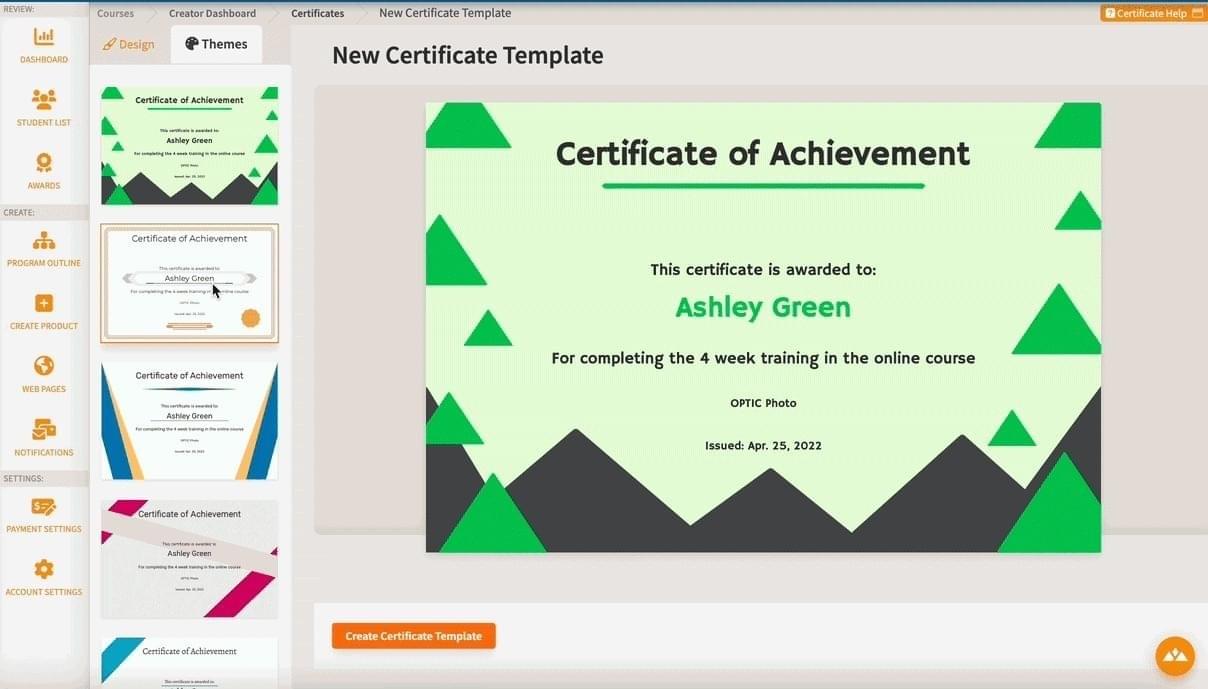
A good online course certificate should clearly show what the student completed, who issued it, and when it was earned.
Common certificate elements include the certificate title, student name, course title, completion statement, date of completion, instructor or organization name, and optional details such as a certificate ID or verification number.
In Heights Platform, you only need to create the certificate template once.
After that, Heights can generate personalized certificates for each student using that template, without you needing to create a new certificate manually every time a student completes your course!
How to Automatically Grant Certificates to Online Course Students
Once your certificate design is ready, you can decide how students receive it.
By default, a certificate can be granted manually. This is useful if you want to review a student’s work first, issue certificates for a live cohort, or award a certificate outside of the normal course completion flow.
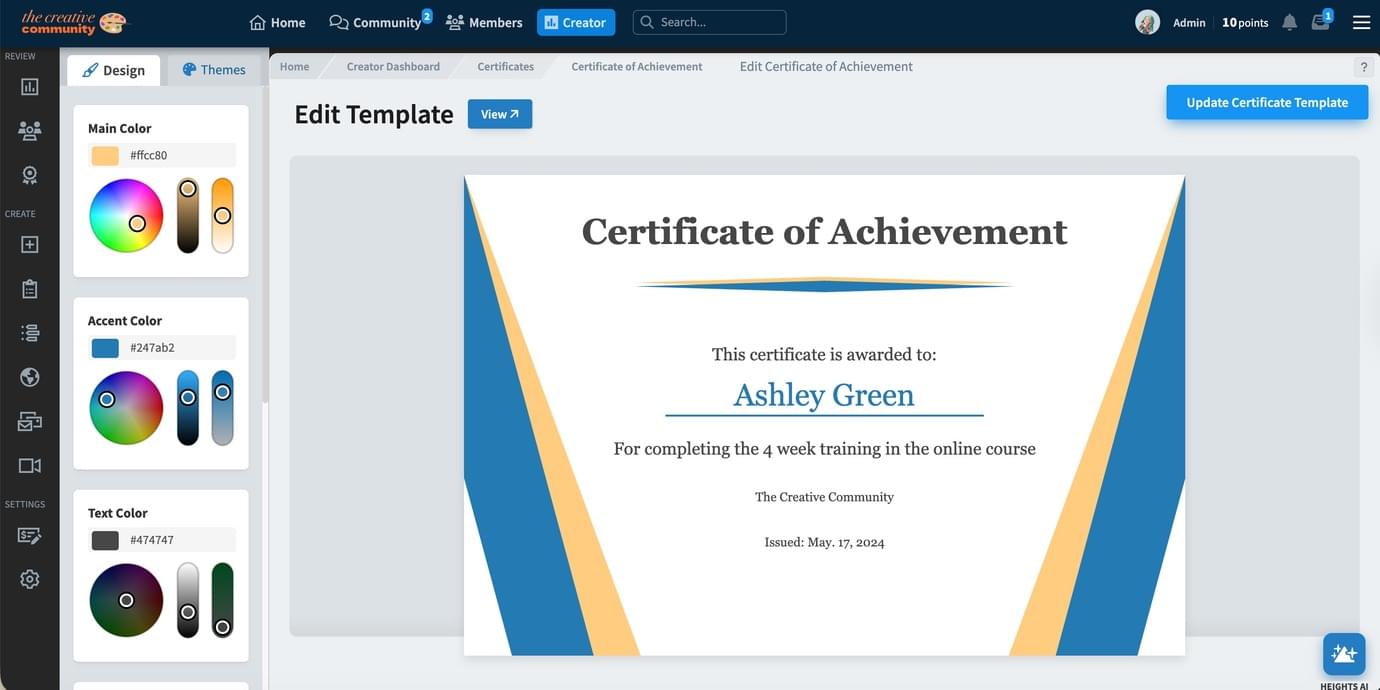
You can also automate the process. In the certificate designer, select the course or product that should trigger the certificate. When a student completes that course or product, Heights automatically generates and awards the certificate.
This means you do not have to track student progress manually, edit certificate files one by one, or email certificates after each course completion.
Heights handles the delivery once the student meets the completion requirements.
Students can view their certificates from the Certificates area on their profile page.
From an individual certificate page, they can view the certificate, print it, save it as a PDF, and use its public share link.
How Students Can Share Their Course Certificates on LinkedIn
After a student receives their certificate, they can open it inside Heights Platform.
Under the certificate, they will see a button labeled Add to LinkedIn Profile. When they click this button, LinkedIn opens the credential modal where they can add the certificate to their profile.
The student can then return to the Heights certificate page and copy the certificate details into LinkedIn.
Heights Platform automatically populates the fields students need to imput in LinkedIn, such as:
- Certificate name
- Issuing organization
- Issue date
- Credential ID
- Credential URL
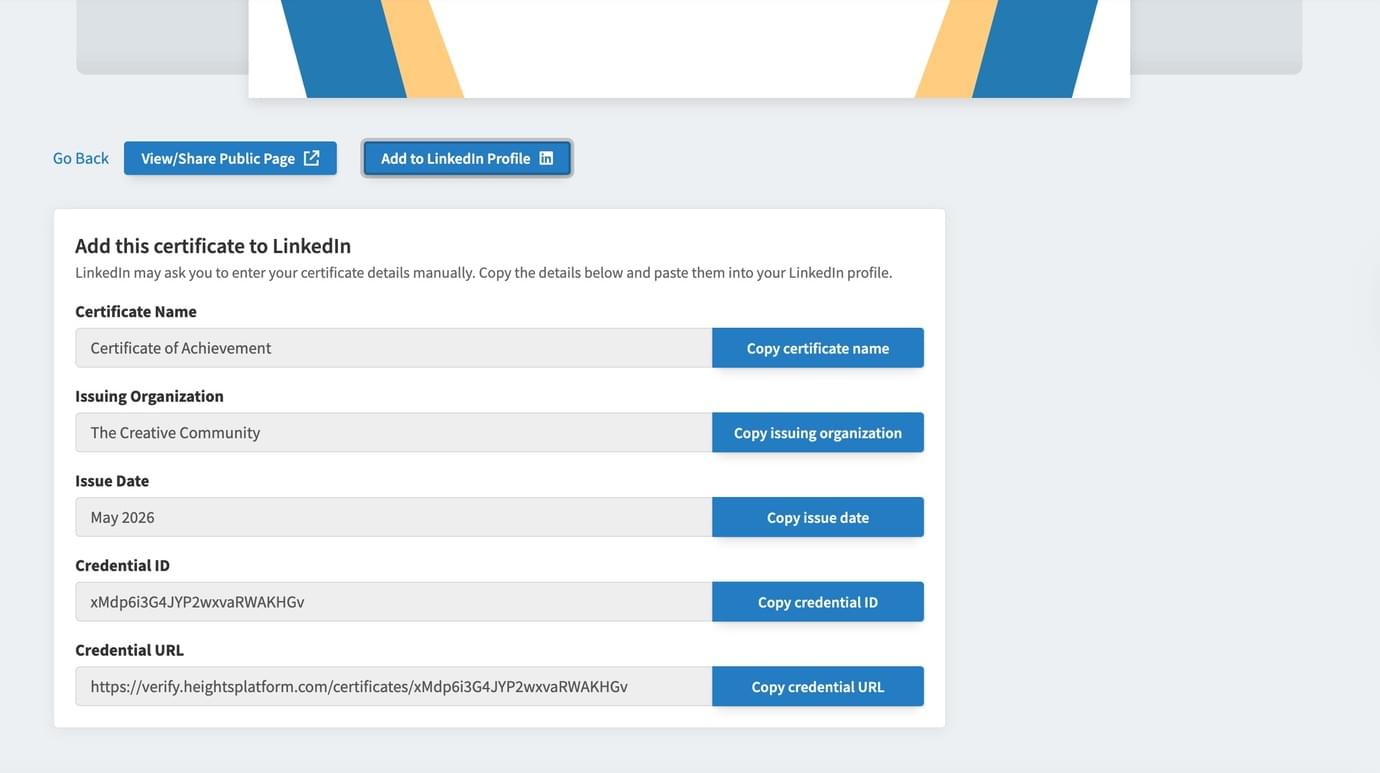
The student then copies each field from Heights, pastes it into LinkedIn, and saves the credential.
Once saved, the certificate appears on their LinkedIn profile!
This gives students an easy way to display their achievement, and it gives your course more visibility every time someone views that credential.
Create Your Online Course With Heights Platform
If you want to offer certificates in your online course, Heights Platform makes the process simple.
But Heights Platform offers you much more than that!
You can build unlimited online courses, digital products, community spaces, offers, web pages. Heights Platform offers everything you need to launch and scale an online business, from delivering content, to accepting payments, even streaming live in front of your audience!
And for offering completion certificates, Heights Platform can help you save hours of manual work: you can create a course, customize its certificate, automate certificate delivery, and give students a way to share their achievement from one place.
Create your online course with Heights Platform and give your students a professional certificate they can earn, keep, and share.
Create Your Online Course TodayFAQs
Can online course students share their certificates on LinkedIn?
Yes. Students can share their online course certificate on LinkedIn when the certificate includes the right credential details, such as the certificate name, issuing organization, issue date, credential ID, and credential URL. In Heights Platform, students can open their certificate and use the Add to LinkedIn Profile button to start the process.
Do I need to be accredited to offer completion certificates to my online course students?
No, you do not need to be accredited to offer a certificate of completion in an online course. What you do want is a third-party issuer that can verify the authenticity and validity of the certificate in a publicly viewable web page. Heights Platform provides this for you as part of its all-in-one platform. Accreditation is needed only if you are offering something like CE credits where the course is meant to count towards something regulated like medical CE, real estate license, higher education credits, etc. Completion certificates are fine to offer without any special accreditation.
What should an online course certificate include?
A strong online course certificate usually includes the certificate title, student name, course title, completion statement, date of completion, issuing organization or instructor name, and optional details such as a certificate ID or verification URL.
Can Heights Platform automatically send certificates to students?
Yes. Heights Platform can automatically award certificates when a student completes the connected course or product. You can also manually issue a certificate when needed.
Do I need a third-party completion certificate issuer to give my students certificates for LinkedIn?
Heights Platform acts as a third-party certificate issuer and verification provider for your online course certificates. When a student earns a certificate in Heights, the certificate can include a public verification URL, certificate ID, issue date, student name, course name, and issuing organization. This gives students a real certificate page they can add to LinkedIn, resumes, portfolios, and personal websites.


